Choose a portrait photo
Start with a sharp photo where the target face is easy to see. Natural lighting and a clear face give the editor the best material to work with.
Use GifFaceSwap to place a new face into a portrait online. Upload two images, create an AI head swap in seconds, then review and download your edit.
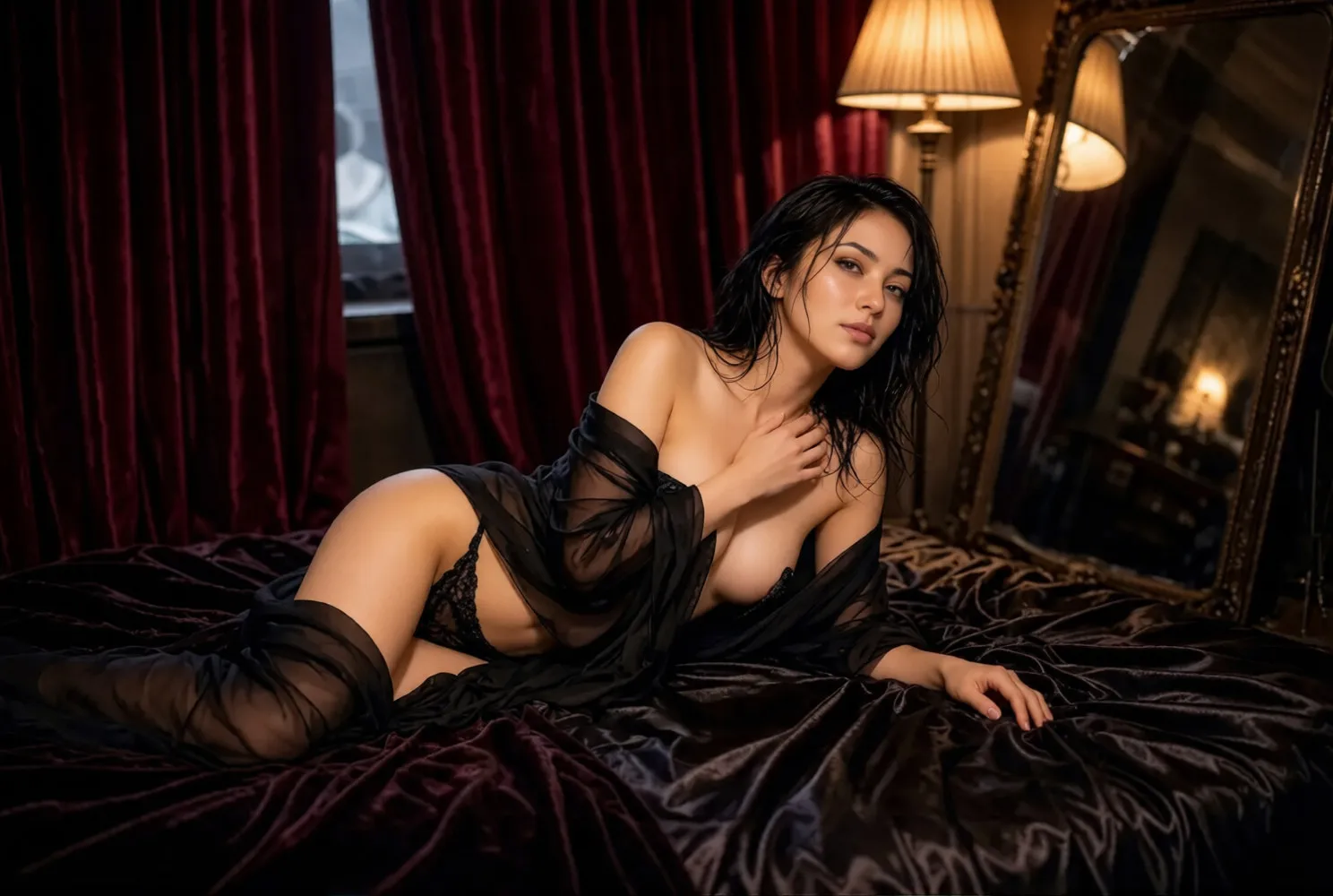
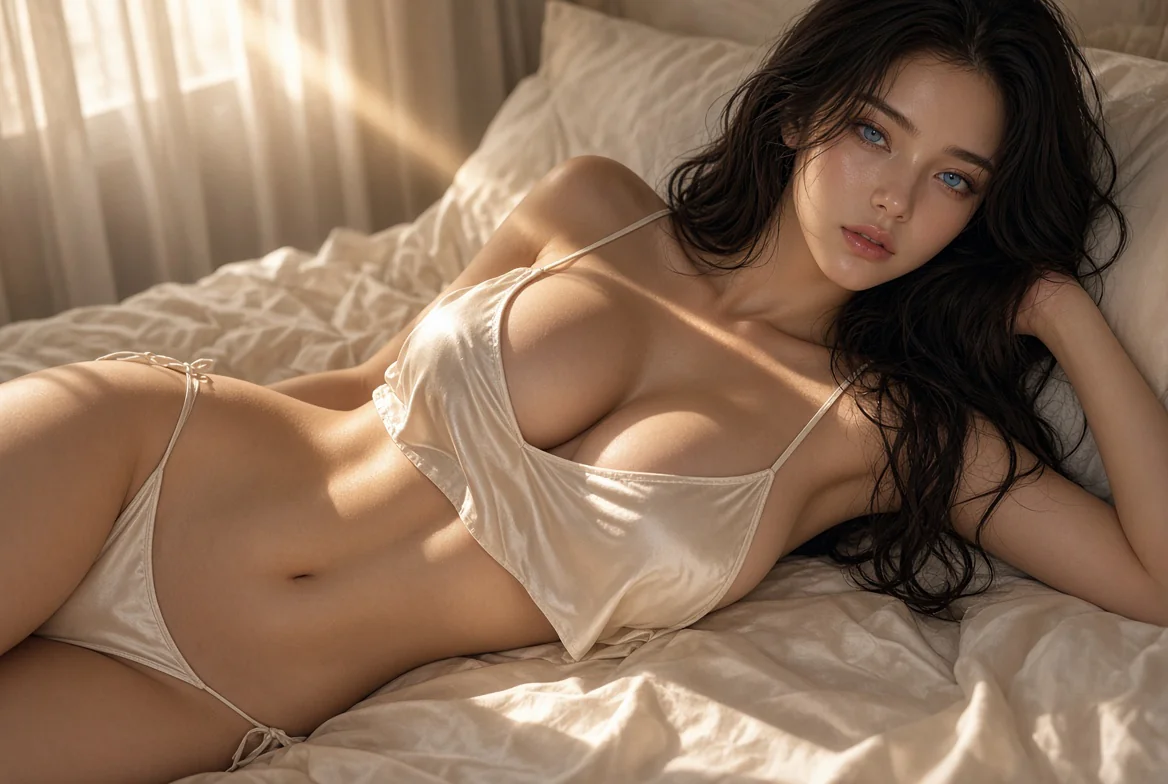
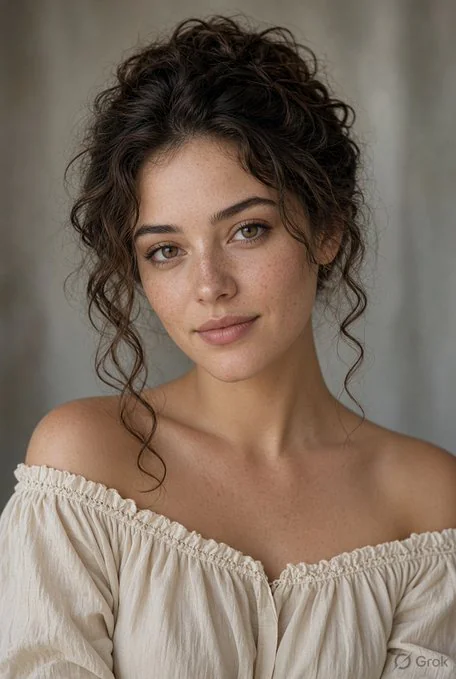
Start with a sharp photo where the target face is easy to see. Natural lighting and a clear face give the editor the best material to work with.
Add the face photo you want to apply. Similar pose, camera distance, and lighting help the result look more convincing.
Run the AI head swap, inspect the finished image in your history, and keep the version you want to use.
Test different portrait directions while preserving the scene, clothing, and composition of the original photo.
Make lighthearted, consent-based images for friends, communities, and social content without manual compositing.
Visualize a character or campaign idea before investing time in a full production.
Prepare another face option for a personal photo when you have permission from everyone involved.
Use high-quality images with an unobstructed face. Heavy filters, low light, and motion blur can weaken the result.
Keep the face angle and light direction close between the two photos whenever possible.
Avoid images with sunglasses, hands, masks, or loose hair covering key facial features.
Check the generated image carefully before sharing it. AI head swap edits should be presented responsibly and never as deceptive evidence.
Only upload images you are allowed to use and only edit people who have agreed. Do not use AI head swap to impersonate, mislead, harass, or create sexual or exploitative material involving real people.
GifFaceSwap replaces the selected face in a photo. The surrounding head, hair, and background are not guaranteed to be regenerated or changed.
Yes. The editor includes a free way to start. Credits may apply to enhanced options or higher-volume creation.
Yes. You can upload photos and create an AI head swap directly in a modern mobile or desktop browser.
You can upload PNG, JPG, JPEG, WEBP, and HEIC images. The editor validates files that cannot be processed.
Use two clear photos with visible faces and similar camera angles. Matching lighting and expression can also improve the blend.
Only when you have all necessary rights and permissions for both source images and every person shown. You remain responsible for your use of the result.
Open the photo editor, add a source portrait and a face photo, and generate a new variation online.